

Hytale Pack Manifest Generator
Generate valid manifest.json files for Hytale packs. Fill in your pack details and get a properly formatted manifest ready to use.
Pack Details
Frequently Asked Questions
What is a manifest.json file?
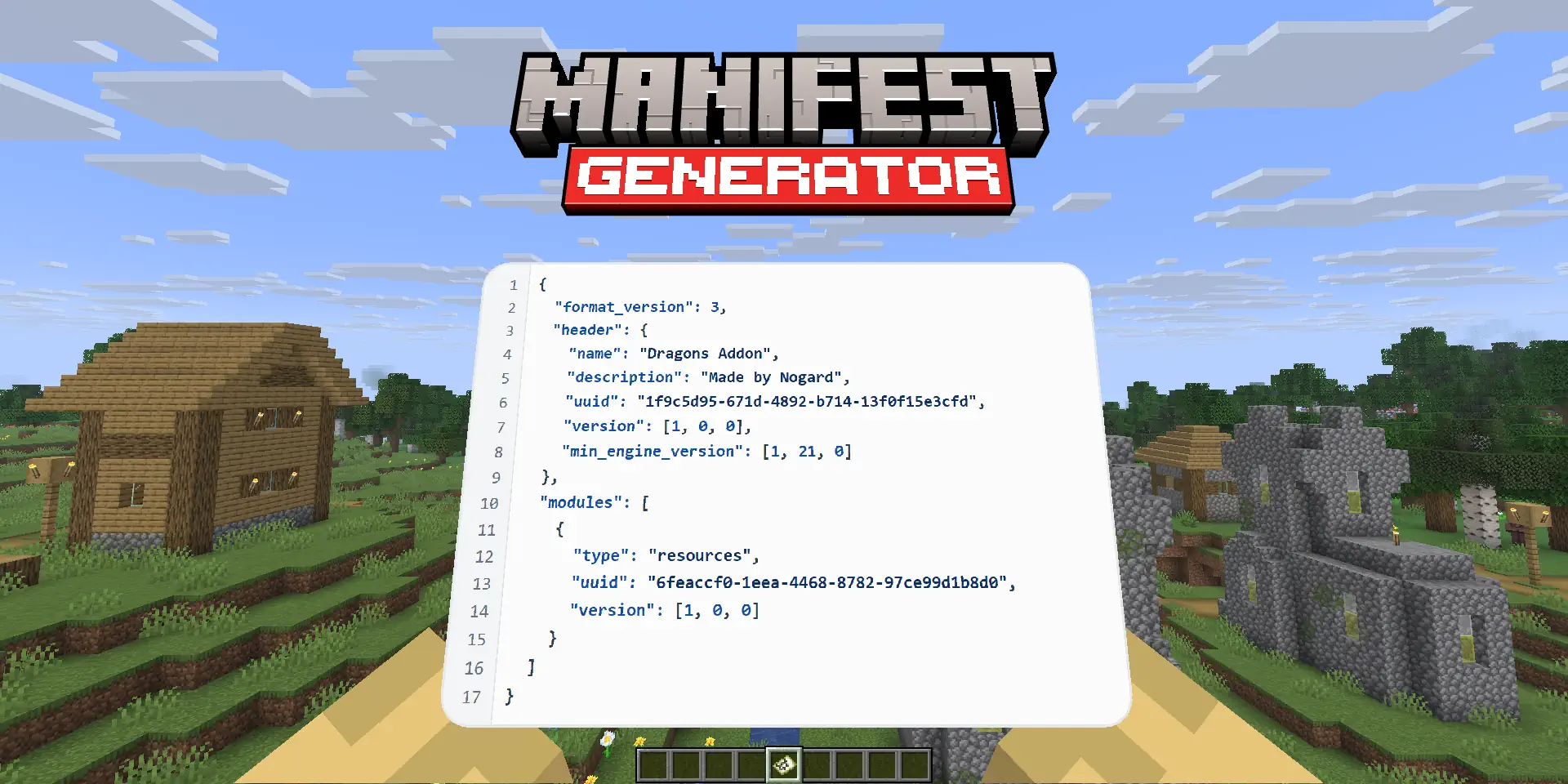
The manifest.json file is a required configuration file for every Hytale pack. It contains metadata that defines your pack's identity, version, authors, and dependencies. The game uses this file to load and manage your pack correctly.
What fields are required?
The following fields are required for a valid manifest:
- Group - Your organization or author name (e.g., "nog")
- Name - A unique identifier for your pack
- Version - Semantic version number (e.g., "1.0.0")
How do I specify dependencies?
Dependencies are specified using the format Group:Name as the key and a version constraint as the value. Examples:
"com.example:CoreLib": "*"- Any version"com.example:CoreLib": ">=1.0.0"- Version 1.0.0 or higher"com.example:CoreLib": "1.2.3"- Exact version 1.2.3
Where do I put the manifest.json file?
Place your manifest.json file in the root folder of your pack:
AppData/Roaming/Hytale/UserData/Packs/YourPackName/manifest.json
Your pack folder structure should look like:
manifest.jsonCommon/- Shared assetsServer/- Server-side content
What is semantic versioning?
Semantic versioning (SemVer) uses the format MAJOR.MINOR.PATCH:
- MAJOR - Increment for incompatible API changes
- MINOR - Increment for backwards-compatible features
- PATCH - Increment for backwards-compatible bug fixes
Example progression: 1.0.0 → 1.0.1 → 1.1.0 → 2.0.0
What are SubPlugins?
SubPlugins are nested plugin definitions within your pack. Each SubPlugin follows the same structure as a plugin manifest and requires:
- Group - Organization identifier (e.g., "com.example")
- Name - The sub-plugin name
- Main - Java class entry point (e.g., "com.example.MySubPlugin")
Hytale uses Java for plugins, so the Main field should point to a valid Java class path in your plugin JAR.
Enjoying this tool?
Every tool here is completely free. If it saved you time, a small donation helps keep them running and growing.
Support NogardJoin the community
Get help, request features, share your work, and hear about new tools first on the Discord server.
Join Discord