

Discord Timestamp Generator
Pick a date and time, copy the code, paste it into Discord. The message then shows that moment in every reader's own timezone, so nobody has to work out the time difference. Pick the relative style and it keeps counting by itself. It reads both ways too: paste a Unix timestamp or a whole <t:...> tag into the timestamp field to see what moment it means.
<t:1785760200:F> here to read it back
Every format
A Discord timestamp is written <t:UNIX:STYLE>, where UNIX is the time in
seconds and STYLE is one letter. Leave the style off entirely and Discord uses
f. The tags and raw values follow the moment you picked above. The last row is a live tag for the current time. Zulip uses its own tag, which the tool builds for you.
| Style | Code | Renders as |
|---|---|---|
| Relative | in 3 hours | |
| Short time | 14:30 | |
| Long time | 14:30:00 | |
| Short date | 03/08/2026 | |
| Long date | 3 August 2026 | |
| Date and time | 3 August 2026 14:30 | |
| With weekday | Monday, 3 August 2026 14:30 | |
| Zulip | 3 August 2026 at 14:30 | |
| Unix seconds | Raw value | |
| Unix milliseconds | Raw value | |
| ISO 8601 | Raw value | |
| Right now | Current time, ticking |
FAQ
Why use a timestamp instead of just typing the time?
Because Discord renders the tag in each reader's own timezone. Everyone in the channel sees the moment in their local time without anyone doing the arithmetic, so you never have to write "20:00 CEST (2pm EDT / 11am PDT)" again.
The relative style goes further and keeps counting on its own, so a pinned message showing "in 2 days" stays correct tomorrow without being edited.
Why does my timestamp show the wrong time?
Usually the timestamp was built in a different timezone than you meant. A Unix timestamp is one fixed instant with no timezone attached, so if it was generated as UTC while you were thinking in local time, everyone sees the same wrong moment. Open the options above and check the timezone matches the one you have in mind.
Daylight saving is the other cause. Countries switch on different dates, so build the timestamp for the real target date rather than adding a fixed number of seconds to some other date.
Finally, make sure the number is in seconds, not milliseconds. A 13 digit value lands roughly 50,000 years from now.
Where do Discord timestamps work?
They render in normal messages, replies, embeds sent by bots and webhooks, forum posts, and thread starters. They work the same on desktop, web, and mobile.
They do not render in places Discord treats as plain text: channel names and topics, your status, server descriptions, and code blocks. Wrapping a tag in backticks shows the raw code, which is handy when you want to show someone the syntax.
Does this work outside Discord?
Zulip has the same idea with its own syntax, <time:2026-08-03T14:30:00+02:00>, and the table above builds it for you. Zulip shows one absolute localised date and time, so there is no equivalent of Discord's relative countdown.
Almost nowhere else lets you do this by typing. Slack and Microsoft Teams both have the feature, but only for messages sent by an app: Slack through its API or a webhook, Teams inside an Adaptive Card. Typing either one into the message box just shows the raw text.
Telegram can show a per reader time, but you insert it from the composer rather than pasting a tag, so there is nothing for a generator to produce. WhatsApp, Signal, X, Reddit, Google Chat, Webex and Twitch have no such feature at all, and a pasted tag will simply appear as literal text.
How do I read a timestamp someone else posted?
Copy the raw tag out of the message and paste it into the Timestamp or tag field above. The date, time and style controls all jump to that moment, so you can see exactly which instant it points at and what every other style would look like for it. Editing on a phone works the same way.
The field takes whatever form you have to hand: a whole tag such as <t:1785760200:F>, a tag with no style letter, bare Unix seconds, or a 13 digit millisecond value, which is detected and converted rather than read as seconds. To get the raw tag out of Discord in the first place, put a backslash before it when you send it, or edit the original message and copy the text.
What is a Unix timestamp?
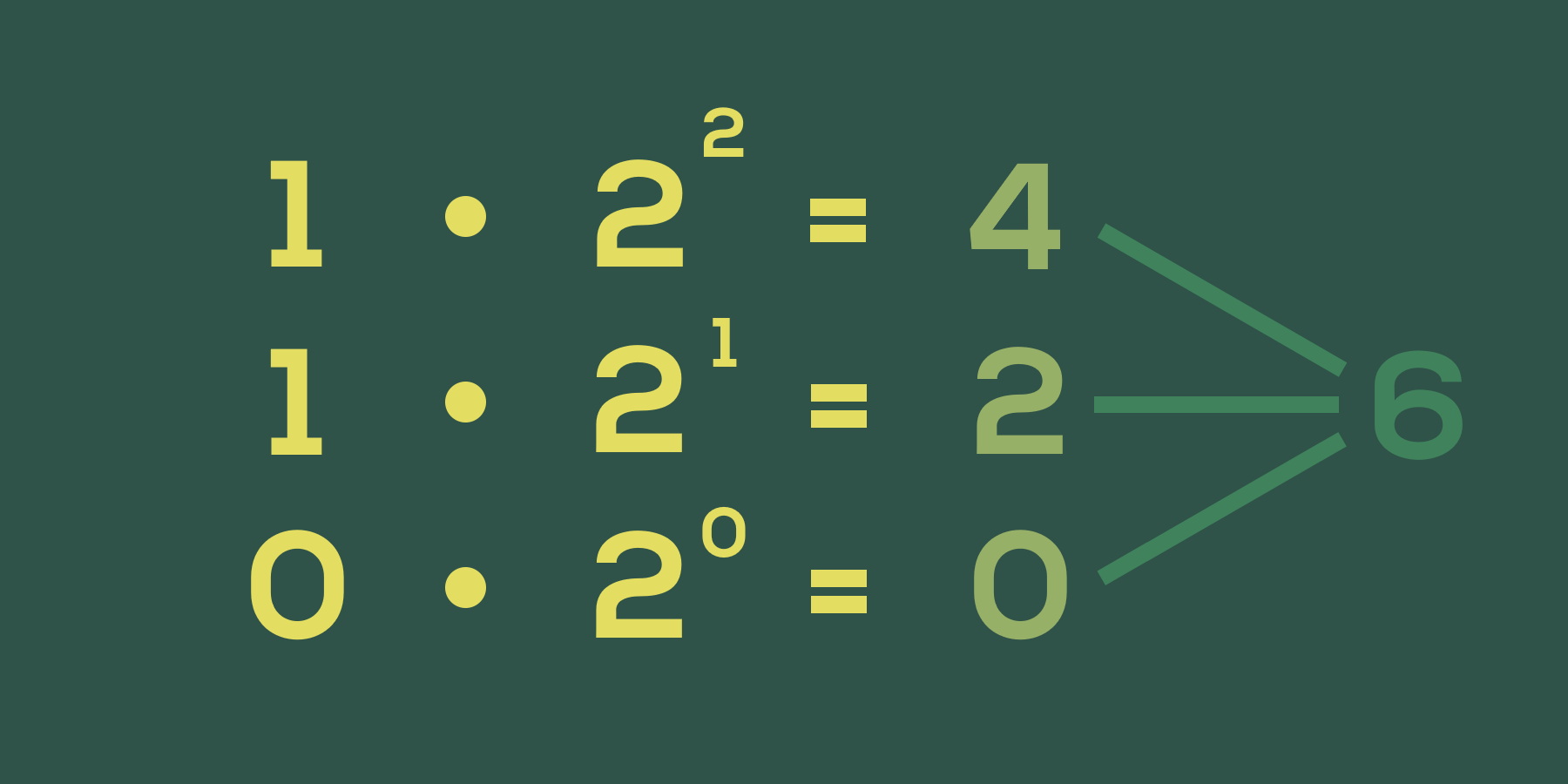
The number of seconds since 1 January 1970, 00:00:00 UTC, known as the Unix epoch. It is how most software stores a moment in time, because it is a single number with no timezone or formatting attached.
Discord takes that number and formats it per reader. The tag <t:1785760200:F> is just "the 1,785,508,200th second after the epoch, shown the long way".
Can I get the timestamp for a message that already exists?
Yes, indirectly. Every Discord ID (messages, users, channels, servers) is a snowflake with the creation time baked in. Take the ID, shift it right 22 bits, and add Discord's epoch of 1420070400000 to get milliseconds, then divide by 1000 for a timestamp you can paste into a tag.
Enjoying this tool?
Every tool here is completely free. If it saved you time, a small donation helps keep them running and growing.
Support NogardJoin the community
Get help, request features, share your work, and hear about new tools first on the Discord server.
Join Discord