

Font Generator
Convert your text to stylish Unicode fonts. These fonts work in Minecraft chat, Discord, social media, and anywhere that supports Unicode characters.
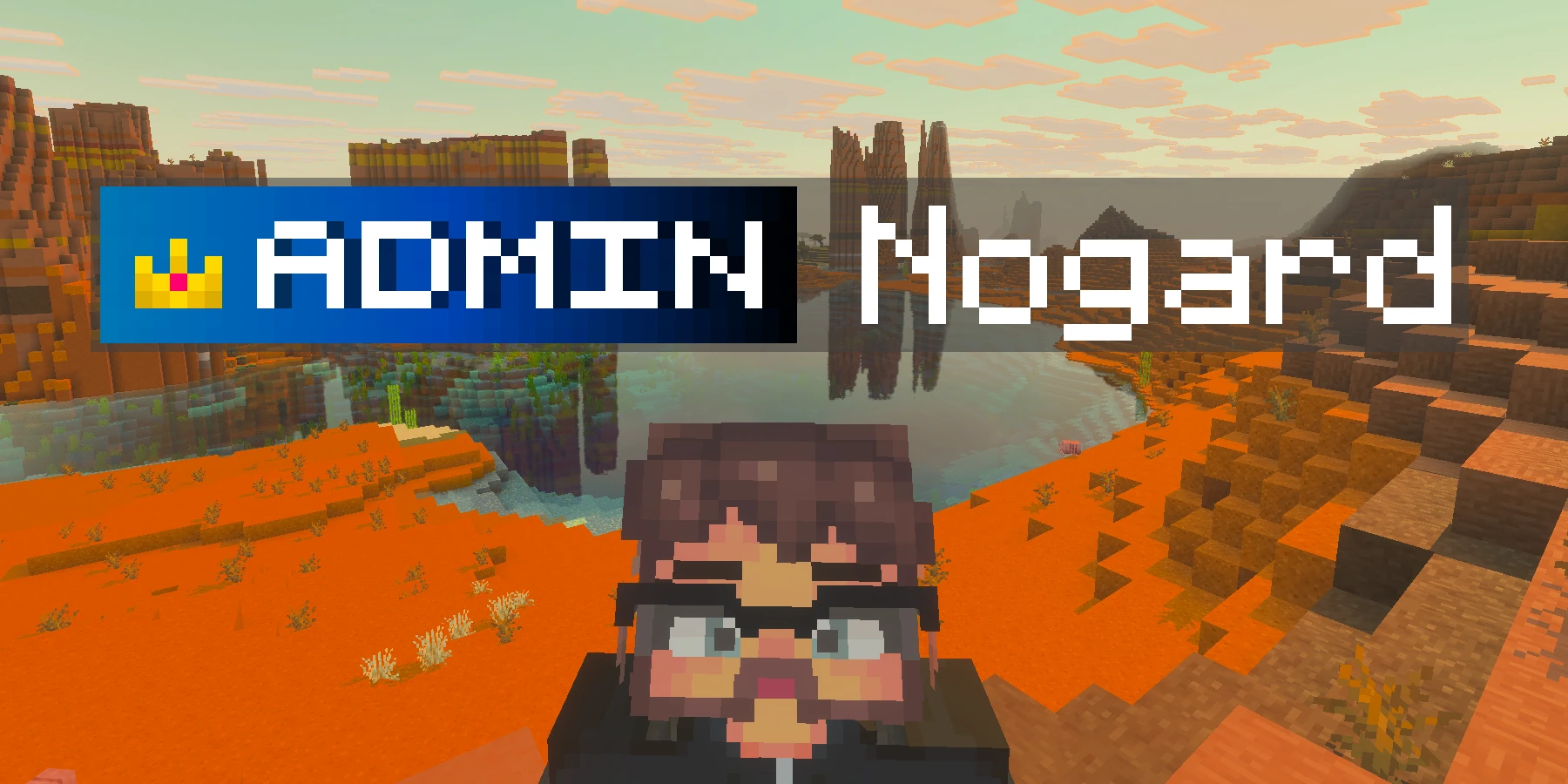
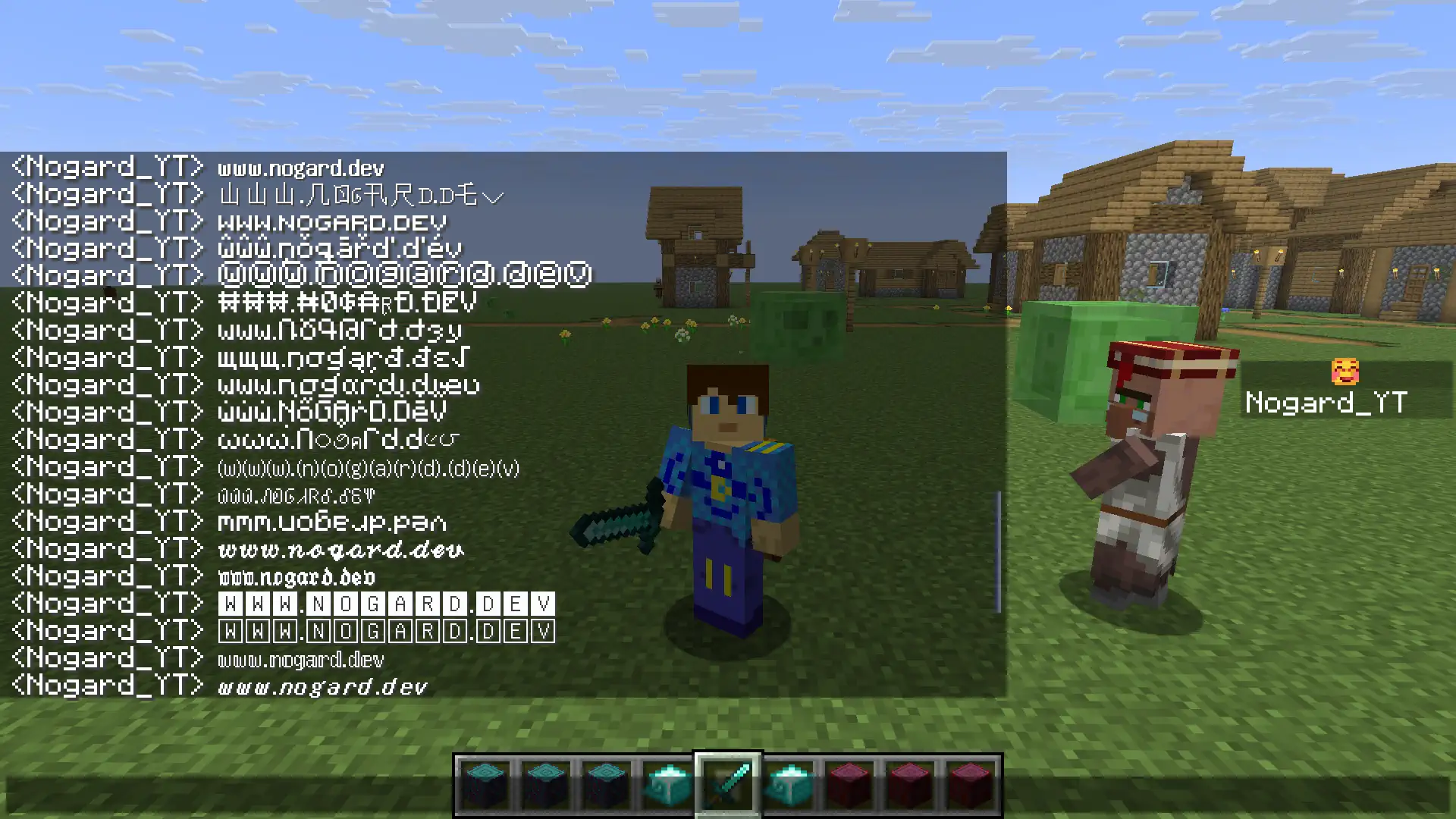
Here's how Unicode fonts look in Minecraft chat:
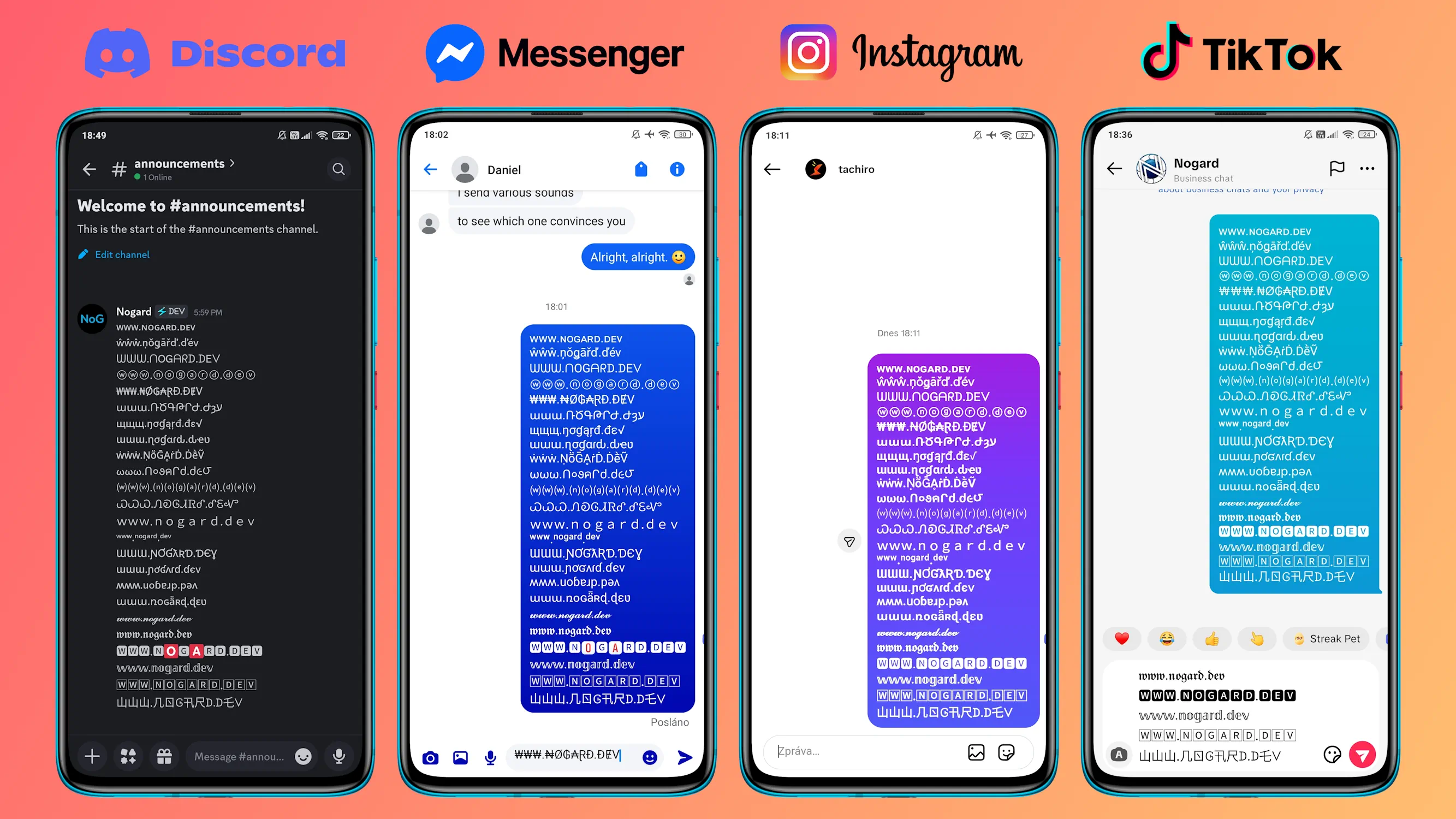
Unicode fonts also work great on social media apps like Discord, Messenger, Instagram, and TikTok:
Frequently Asked Questions
How to use this font generator
Type your text in the input box above. All font variations will update automatically in real-time. Click on any font row to copy it to your clipboard, or use the copy button that appears on hover.
You can also use the Download button to save all font variations as a text file for later use.
What are Unicode fonts?
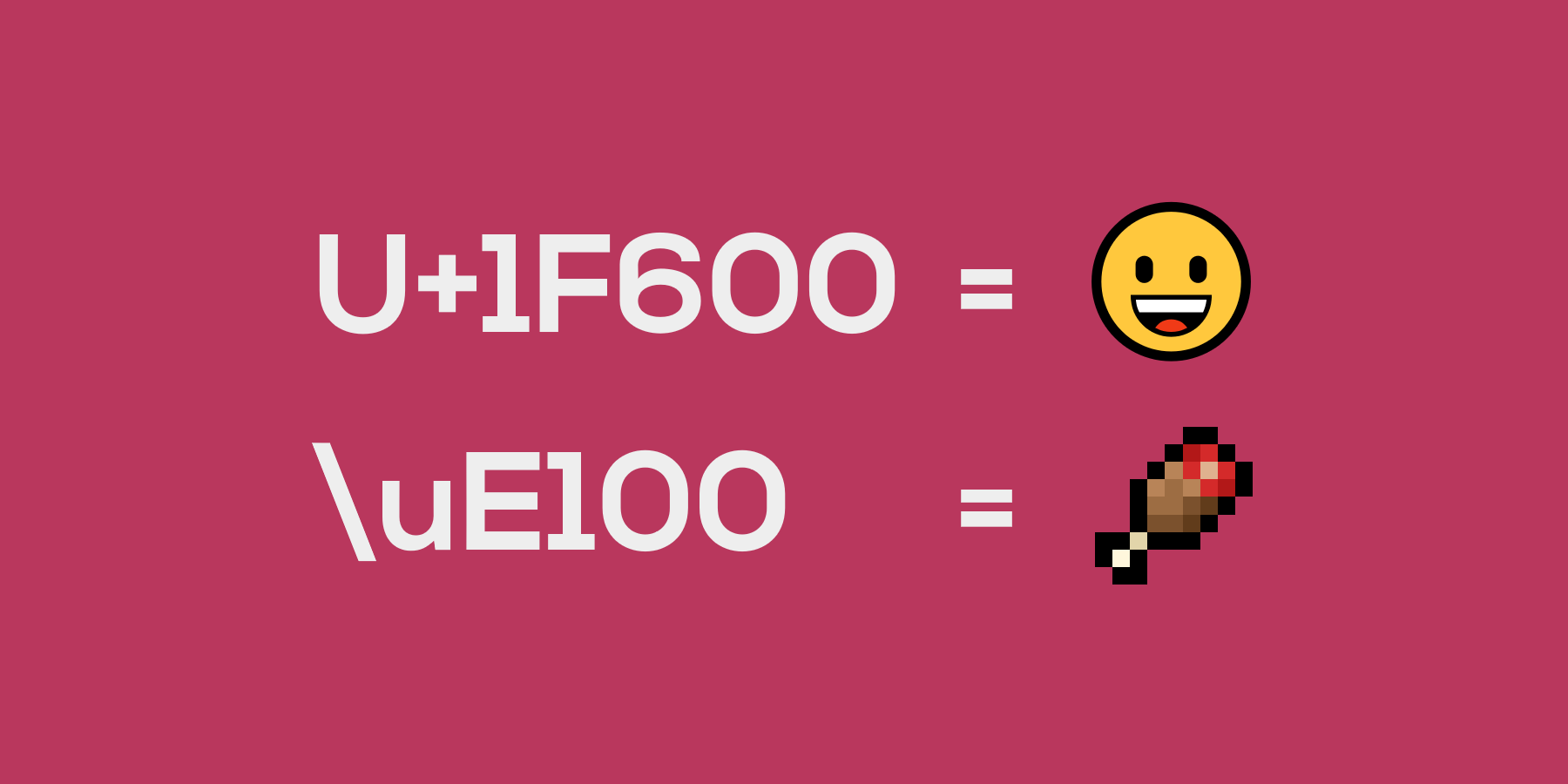
Unicode is an international standard that assigns a unique number to every character, symbol, and emoji used in written languages worldwide. It includes over 150,000 characters and is supported by approximately 95% of websites.
What we call "Unicode fonts" are actually special Unicode characters from blocks like Mathematical Alphanumeric Symbols (U+1D400-U+1D7FF). When you use this font generator, you're not changing the font - you're replacing regular letters with visually similar Unicode characters.
The key difference from regular fonts: when you copy text styled with a regular font, you only copy plain text. When you copy Unicode fancy text, you copy the actual styled characters because they ARE different characters in the Unicode standard.
How do fancy text fonts work?
This font generator works by mapping each letter you type to a corresponding Unicode character that looks like a stylized version of that letter. For example:
- The letter "A" can be mapped to "𝔸" (double-struck), "𝓐" (script), "🅰" (boxed), and many other variants
- These are all separate characters in the Unicode standard, not font styling
- Because they're actual characters, they can be copied and pasted anywhere that supports Unicode
This is why fancy text works on platforms like Instagram, Discord, and Twitter - you're not applying a font, you're using different characters entirely.
Minecraft compatibility
Universal Fonts: Most fonts in this generator work in all Minecraft versions that support Unicode. These include Small Caps, Bubble, Currency, Greek, and many others.
1.20+ Exclusive: Some fonts (marked with a separator below) use Unicode characters from the Mathematical Alphanumeric Symbols block (U+1D400-U+1D7FF) that are only supported in Minecraft 1.20 and newer versions. These include Handwritten, Bold Strong, Double-Struck, and Boxed fonts.
These fonts work in Minecraft chat, signs, books, anvil naming, and anywhere text is displayed. They're great for:
- Standing out in server chat
- Creating unique signs and book titles
- Custom item names via anvils
- Server announcements and welcome messages
Discord, social media, and other platforms
Unicode fonts are supported by virtually all modern devices and applications. They work on:
- Discord - usernames, messages, server names, channel topics, and role names
- Instagram - bio, captions, comments, and story text
- Twitter/X - tweets, bio, and display name
- TikTok - bio and comments
- Facebook - posts, comments, and bio
- WhatsApp & Telegram - messages and status
- YouTube - comments and channel description
- Gaming platforms - Steam, Roblox, and other games with text chat
Note: Some platforms may filter certain Unicode characters. Instagram, for example, strips some decorative symbols from usernames. Twitter has character limits that may count Unicode characters differently.
Limitations and accessibility
While Unicode fonts are widely supported, there are some limitations to be aware of:
- Not searchable: Fancy text is not searchable like regular text. If you write "𝓗𝓮𝓵𝓵𝓸", people searching for "Hello" won't find it.
- Screen readers: Most Unicode decorative characters can cause issues with screen readers, making text inaccessible to visually impaired users. Use fancy text sparingly and not for critical information.
- Older devices: Some characters may display as empty boxes on older devices or systems without full Unicode font support.
- Platform filtering: Some platforms filter certain Unicode characters to prevent abuse or spam.
- Rendering differences: Different platforms may render characters slightly differently due to font variations, though the characters will always work.
Tips for using fancy fonts
Get the most out of fancy Unicode fonts with these tips:
- Use strategically: Don't overdo it - fancy text works best when used sparingly for emphasis or style. Full paragraphs of fancy text can be hard to read.
- Match the mood: Choose fonts that fit your content. Script fonts for elegance, bold fonts for impact, bubble fonts for fun.
- Test before posting: Copy your text and preview it on the target platform before publishing, especially for important posts.
- Keep important info readable: Use regular text for critical information like links, instructions, or contact details.
- Consider your audience: If accessibility is important, limit fancy text to decorative elements only.
Why do some characters show as boxes?
If you see empty boxes or question marks instead of fancy characters, it usually means:
- Missing font support: Your device or browser doesn't have a font installed that includes those Unicode characters.
- Older operating system: Older versions of Windows, macOS, iOS, or Android may not support newer Unicode blocks.
- Platform filtering: The platform you're using may be filtering out certain characters.
Try updating your operating system or browser, or use a different font style that has broader support. The fonts in the "Universal" section (above the separator) generally have the best compatibility.
Enjoying this tool?
Every tool here is completely free. If it saved you time, a small donation helps keep them running and growing.
Support NogardJoin the community
Get help, request features, share your work, and hear about new tools first on the Discord server.
Join Discord