

Hytale Skin Viewer
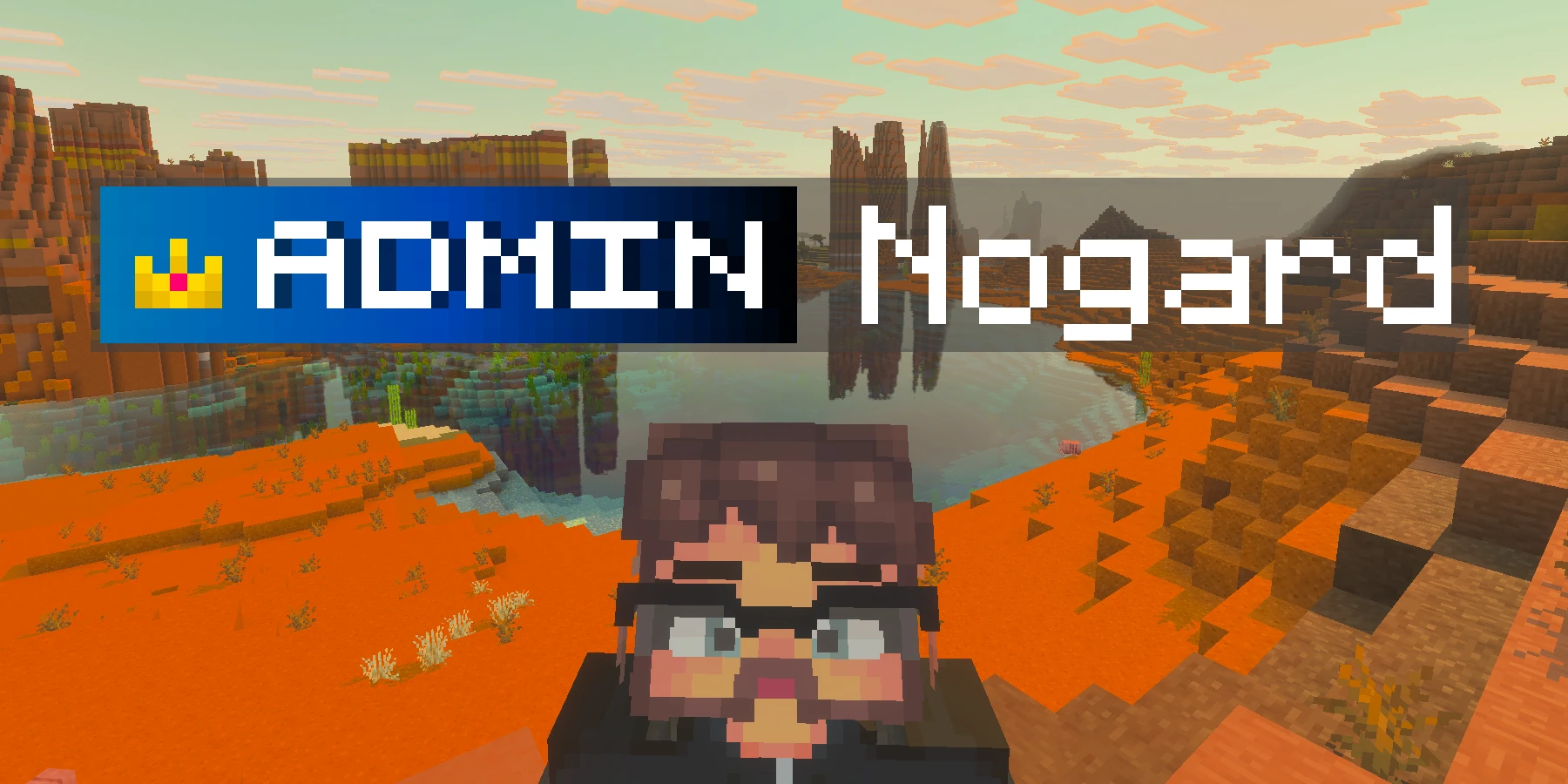
See any Hytale player's skin. Enter a username or account UUID and this renders their character four ways, breaks their outfit down slot by slot, shows their account UUID, and saves any view as a PNG. Think NameMC, built for Hytale.
Nogard
Downloads as 300 x 600 px, transparent background
Outfit
Body
- Build
- Muscular 04
- Skin
- None
Face
- Face
- Face Make Up Older
- Eyes
- Large Eyes Blue
- Brows
- Angry Brown Dark
- Mouth
- Mouth Makeup
- Ears
- Default
- Beard
- Medium Brown Dark
- Hair
- Super Slickback Brown Dark
Clothing
- Undertop
- Top Wasteland Marauder Blue Dark
- Overtop
- Robe Blazen Wizard Purple
- Pants
- Pants Wasteland Marauder Blue Dark
- Overpants
- None
- Shoes
- Voidbearer Boots Brown
- Gloves
- Long Gloves Popstar Blue Dark
- Underwear
- Suit Blue
Accessories
- Head
- None
- Face
- Coloured Glasses Black
- Ears
- None
- Cape
- Cape New Beginning White Neck Piece
FAQ
What is a Hytale skin viewer?
It is a Hytale player lookup that shows you what someone looks like. Enter a username such as nogard or an account UUID in either dashed or undashed form, and it renders that player's skin four ways, lists all 20 of their outfit slots, and shows their account UUID, which is itself the copy button. Nothing is stored and no account or login is needed.
Can I download a Hytale player's skin file?
No, and no tool can, whatever it calls itself. A Hytale skin is not a single image the way a Minecraft skin is: it is a set of cosmetic slot assignments, so there is no texture file to hand over. Crafthead's Hytale skin route returns 404, and the Hytale Skins API publicly discontinued username lookup after abuse. What you can download here is the picture rather than the file: the view you are looking at, as a PNG, at up to 8 times its size, on a transparent, solid or image background. If you are after the Minecraft kind, where a real skin file does exist, use the Minecraft Skin Downloader instead.
What do the four views show?
Body is the full character at 300x600 pixels. Bust is head and shoulders. Face is the head only, the same crop used for forum and Discord avatars. Cube is the head drawn as an isometric block. Every view is rendered at the largest size Crafthead produces, which is 300 pixels wide, and the size buttons multiply that on the way out.
Why does the render not show everything?
Two separate reasons. Crafthead frames the body on the base silhouette and never widens it for large cosmetics, so a big cape, wings or tall hair get sliced flat at the edge of the frame. Measured on one player, 112 pixels of the 300 pixel wide render were opaque against both the left and right edges, while another player fit with room to spare, and asking for a bigger size does not help because size is a pure scale rather than a wider frame. Separately, equipped armor never appears at all: gear lives in a world save rather than on your account, so no profile API can see it, and Crafthead's Hytale renderer takes no armor setting.
What do the outfit values mean?
Each of the 20 slots holds an identifier like Forest_Guardian.Green. The part before the first dot is the item and everything after it is a variant, usually a color, so Hope_Of_Gaia_Boots.Gold_Red is the Hope Of Gaia Boots in Gold Red. A slot set to null reads as None, meaning the character simply is not wearing anything there. An account can also exist with no character at all, and this page says so plainly rather than passing off the plain lettered tile the avatar service returns as somebody's face.
Which APIs does this use?
Enjoying this tool?
Every tool here is completely free. If it saved you time, a small donation helps keep them running and growing.
Support NogardJoin the community
Get help, request features, share your work, and hear about new tools first on the Discord server.
Join Discord