

Minecraft Glyph Generator
Build and edit a custom Minecraft glyph sheet the easy way. Click a cell in the 16x16 grid of 256 cells to add an image (or drag one in on a computer), then export it as a packed Bedrock glyph_E2.png or as a ready-to-drop Java bitmap font resource pack. The Java pack gives every code point its own image by default, so each glyph keeps its own height and ascent. Click a filled cell to open its settings and adjust that glyph's alignment, code point and metrics for either edition, with a live preview of how it sits on a line of chat. Everything runs locally in your browser, and glyphs render at their native size unless you ask for a different one.
Swipe the grid sideways to reach every column.
No images yet. Cell size and sheet resolution update as you add images.
From the maker of this tool
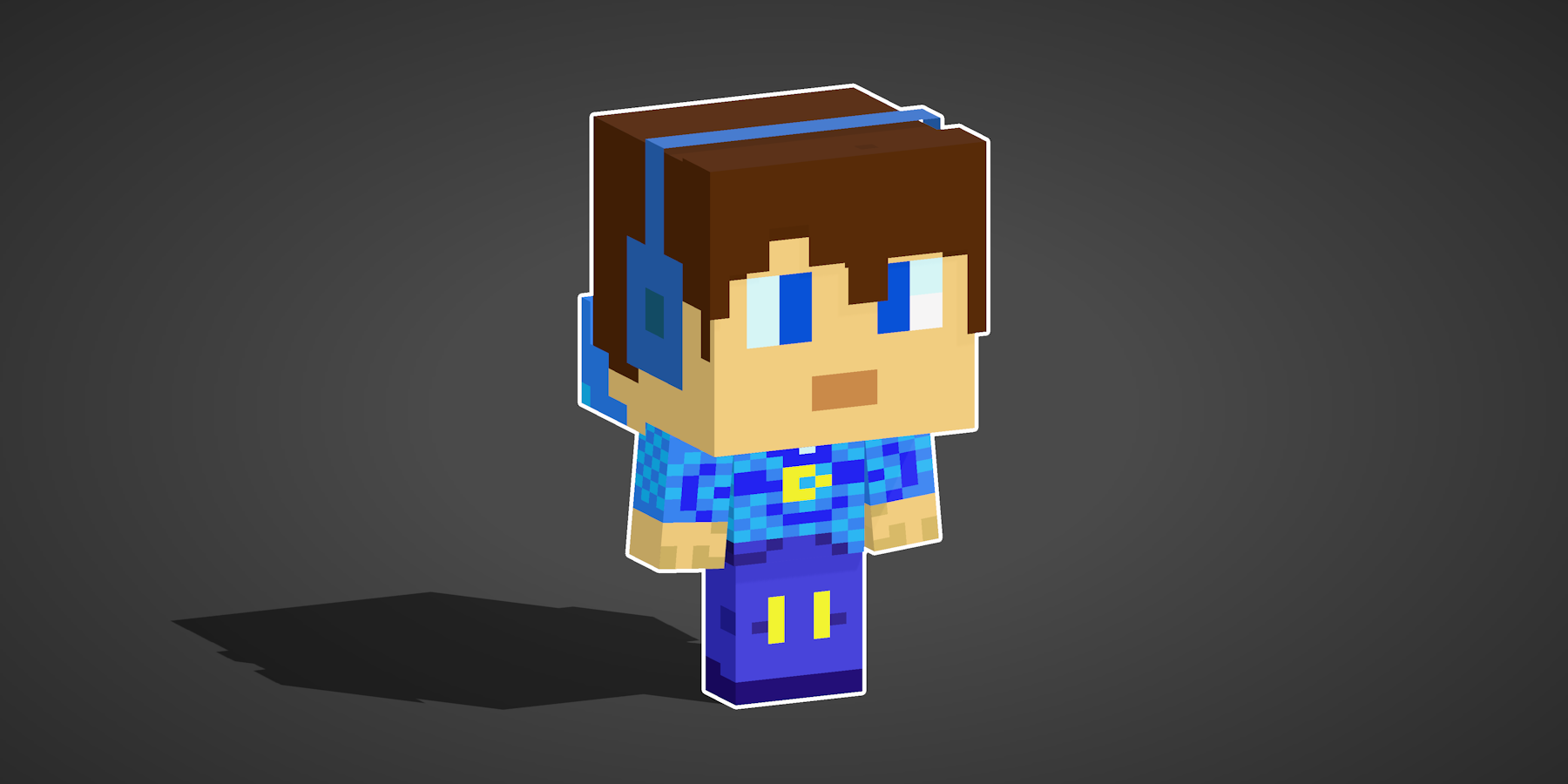
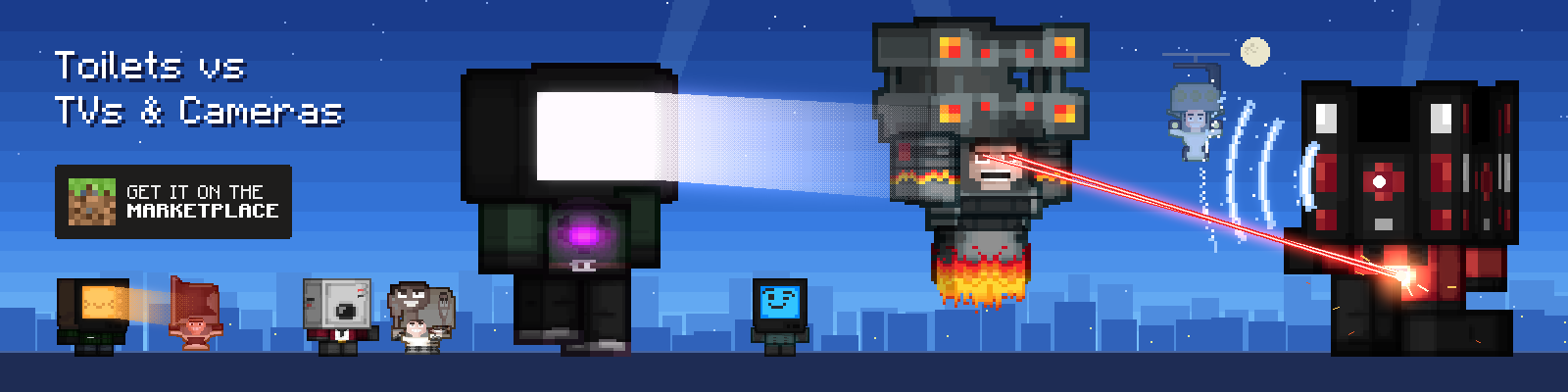
The banner below is our own Minecraft Marketplace skin pack, Toilets vs TVs & Cameras. Every character in it is one of the pack's skins, turned into a chibi and animated with our Minecraft Chibi Skin Maker, so it doubles as a look at what that tool can do with your own skins.
FAQ
What is a Minecraft glyph sheet?
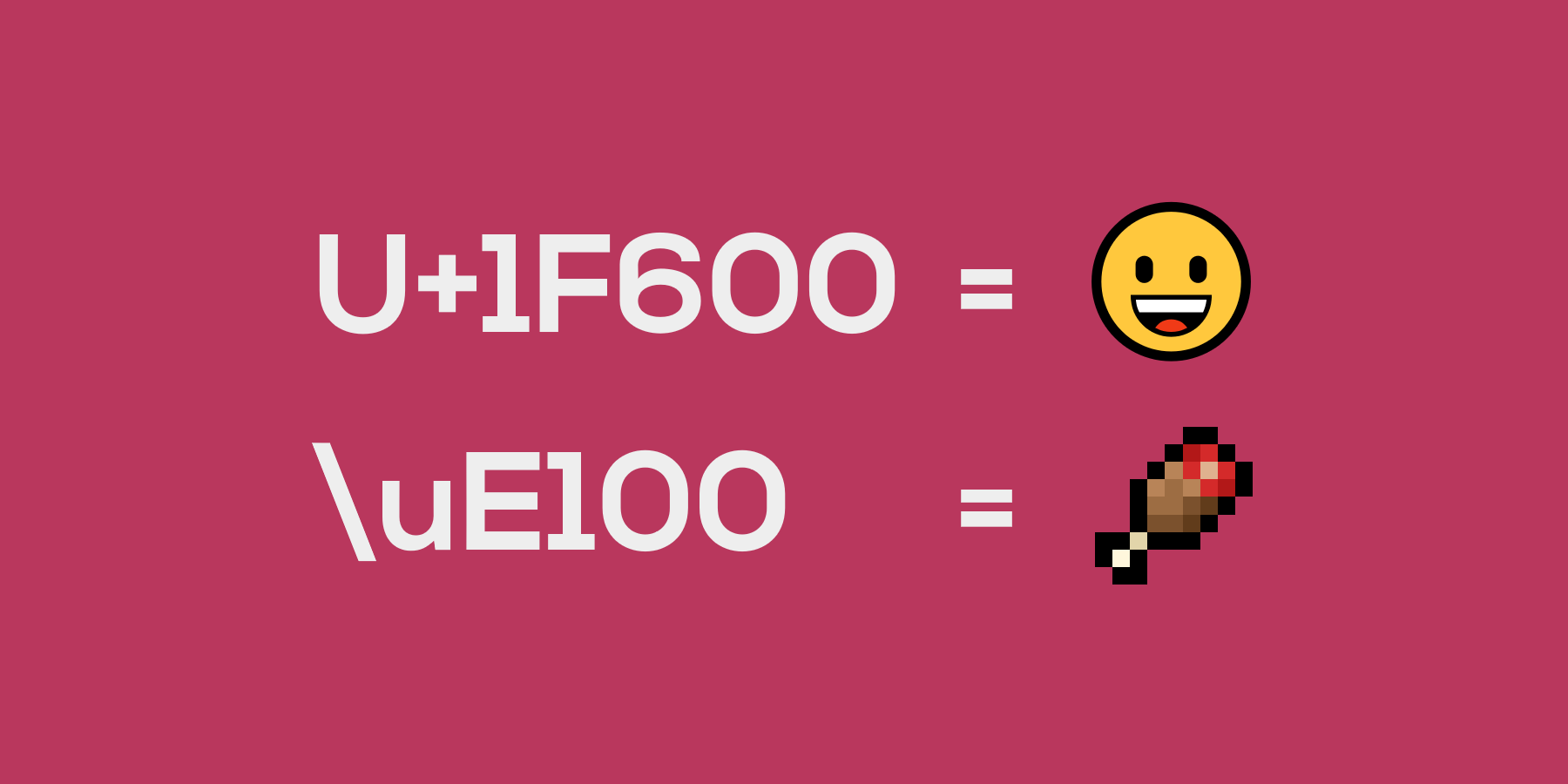
A glyph sheet is a single image that packs 256 characters into a 16x16 grid. Minecraft reads each cell as one Unicode character (a code point like U+E200), so every glyph becomes a real character you can type or paste; the Unicode Converter converts text between characters and their escape, hex, decimal, and HTML-entity codes.
Bedrock Edition uses glyph pages named like glyph_E2.png. Java Edition can read a sheet too, through a bitmap font provider, but it more usually gives each code point its own image, since a provider carries a single ascent and height for its whole file. This tool lets you fill each of the 256 cells with your own image, then exports for either edition: a packed sheet for Bedrock, and for Java one image per unicode by default, or the sheet if you untick that. Each image is placed at its native size, so pixel art stays crisp unless you ask for a different height (Java rescales as it draws; Bedrock has no height field, so the tool resamples the art with nearest neighbour); the final sheet is your largest image dimension times 16, and square, equally sized images give the cleanest grid.
Can I import and edit an existing glyph sheet?
Yes. Click Import, then drop or choose a glyph sheet .png with a transparent background (including one you exported here earlier). The tool splits it back into the 16x16 grid, so you can add, replace, or remove glyphs and export it again for either edition.
Under Unicode size you choose how each glyph is loaded: Keep original size keeps every cell whole, so a square sheet comes back at its original resolution; Trim to content crops each glyph to its pixels for the tightest sheet; and Power of two trims, then rounds the sheet up to a power-of-two size. You can also switch trimming and power of two on and off at any time in Settings. Glyphs you upload one at a time are never auto-cropped, so any spacing you build into them is kept.
How do I use the exported sheet in Bedrock Edition?
Download the Bedrock PNG (named glyph_E2.png by default) and place it in the font folder of a resource pack, so the path is font/glyph_E2.png.
Bedrock has no ascent field, but it does have an ascent. A glyph draws at one pixel per text pixel, so its size on screen comes from how many pixels are in its cell, and the bottom of the cell sits on the baseline. Where the art sits inside its cell is therefore its ascent: art resting on the bottom of the cell sits on the baseline, and transparent padding underneath the art lifts it, exactly as ascent does on Java. A cell taller than 8 px stands above its own chat line. Bedrock also ends a glyph at its last visible pixel, so empty space to its right is dropped and the next character moves in. By default a glyph takes exactly its own width, so it butts against the text either side the way a proportional font does. Tick Keep spacing after each glyph under Export to mark the edge of the cell with one almost invisible pixel instead, which pins every glyph to the full cell width. Space above, below and to the left of a glyph is kept either way.
The 256 cells map to the code points U+E200 through U+E2FF in reading order (left to right, top to bottom). In game you show a glyph by typing or pasting the matching Private Use Area character. Change the page byte in the tool if you want a different range, for example glyph_E3.png for U+E300 to U+E3FF.
How do I install the Java resource pack?
Choose Download for Java to get a complete .zip resource pack, containing the font provider JSON at assets/minecraft/font/default.json, the textures, and a pack.mcmeta.
By default One image per unicode is ticked, so each code point gets its own PNG under assets/minecraft/textures/font/default/ and its own provider. Each file keeps the name you uploaded it with, because a glyph is not a unicode: the image is a thing with its own name, and the code point is only the address it answers to in the font JSON. A glyph split out of an imported sheet never had a name, so that one falls back to its code point. Each PNG is written at the size you drew it, not padded into the square cell, so the art renders one texture pixel per screen pixel and stays crisp. That is how real packs do it: a 46x7 rank tag ships as a 46x7 image at height 7 and comes out the same height as the text beside it, where padding it into a 46x46 cell would have the game squash the whole box and leave 7 px of art barely 1 px tall. Alignment therefore only shapes the shared sheet, where every glyph has to sit in one square cell. That is the standard layout for Java, because a bitmap provider carries a single ascent and height for its whole file: glyphs can only use different metrics if each one has its own file. Untick it to get a single sheet at assets/minecraft/textures/font/default.png instead, where every glyph is a full cell. Metrics are still per glyph: several providers can point at one texture, so the export emits one for each distinct height and ascent.
Java has two hard rules about a bitmap glyph. A glyph may not exceed 256×256 px (the texture may be any size, but each glyph inside it may not), and ascent may not exceed height, or the font fails to load. The summary line warns you if your cell passes 256. The second rule caps how high a glyph can sit only in appearance: set an ascent above the height and, with one image per unicode, the export pads that image underneath so the taller box carries the larger ascent legally. The art renders at exactly the same size, it just sits higher. A shared sheet cannot do this, since padding one glyph would move every other glyph on it. What a shared sheet does share is the cell: height scales the whole cell, not the art inside it, so a short glyph in a tall cell renders smaller than its own pixels.
Drop the whole .zip into your resourcepacks folder and enable it, then paste the mapped U+E200 characters anywhere text appears: chat, signs, item and container names, titles, books. Nothing needs to be unzipped, and nothing needs a font field, because the glyphs go into default, the font the game already uses for everything. Providers merge across packs for the same font, so shipping your own default.json leaves normal text alone. If you would rather have a font that must be asked for by name, change Font name in Settings and reference it as minecraft:<name> in a text component.
Which characters do the glyphs map to, and which page should I use?
By default the 256 cells map to the Unicode Private Use Area starting at U+E200 (page E2), which holds no real letters, so your glyphs never overwrite normal text. You can move the range with the page byte, for example E3 maps to U+E300 and up; the same mapping drives both the Bedrock filename and the Java font provider.
For a custom pack the recommended range is pages E2 to E9 (U+E200 to U+E9FF), which both Java and Bedrock leave unused. Pages like E0 and E1 overlap glyphs the game itself ships, so avoid them.
Can I use these glyphs in chat, on signs, or in item names?
Yes. Once the resource pack is active, paste the mapped Private Use Area characters anywhere text is shown: chat, signs, item and container names, titles, and books. This is exactly how many servers and plugins add custom icons and emojis. To design whole pixel-art nametags and titles for either edition, the Pixel Art Tag Generator is a natural companion.
On Java you can also target the font explicitly with the font field in a raw JSON text component.
Can I use what I make here, and do I need to credit nogard.dev?
Yes. The glyph sheets and resource packs you export are yours to use freely, including commercially: on a server, a website or a video. Credit isn't required, but it's encouraged: a mention or a link back to nogard.dev helps keep the tools free. This covers what you make, not the tool itself, so please don't copy or rehost this page or its code. The Terms of Use have the details.
Enjoying this tool?
Every tool here is completely free. If it saved you time, a small donation helps keep them running and growing.
Support NogardJoin the community
Get help, request features, share your work, and hear about new tools first on the Discord server.
Join Discord