

Minecraft Distance Calculator
Convert coordinates between the Overworld and the Nether, and turn any distance into every unit Minecraft uses. Enter a position to get the matching coordinates in the other dimension plus a ready /tp command, or enter a distance to see it in blocks, Nether blocks, chunks, regions, meters, kilometers and miles. Everything runs locally in your browser, and the math matches the game exactly, including the fact that Y is never scaled.
Nether coordinates
Converting a distance is one job, converting a position is another. Paste a coordinate triple and get the matching spot in the other dimension, plus a teleport command. X and Z are divided or multiplied by 8, Y is left alone.
Every unit
A block is one meter, a chunk is 16 blocks across, and a region file covers 512 blocks. One block of Nether travel covers 8 blocks of Overworld ground, which is why the Nether is the fastest road in the game. Enter a distance in Overworld blocks and every equivalent is below. Click any value to copy it.
| Unit | Value | What it is |
|---|---|---|
| Overworld blocks | The distance you walk | |
| Nether blocks | The same trip through the Nether | |
| Chunks | 16 blocks each | |
| Regions | 512 blocks each, one mca file | |
| Meters | One block is one meter | |
| Centimeters | Real world scale | |
| Kilometers | Real world scale | |
| Miles | Real world scale | |
| Feet | Real world scale | |
| Yards | Real world scale | |
| Inches | Real world scale |
From the maker of this tool
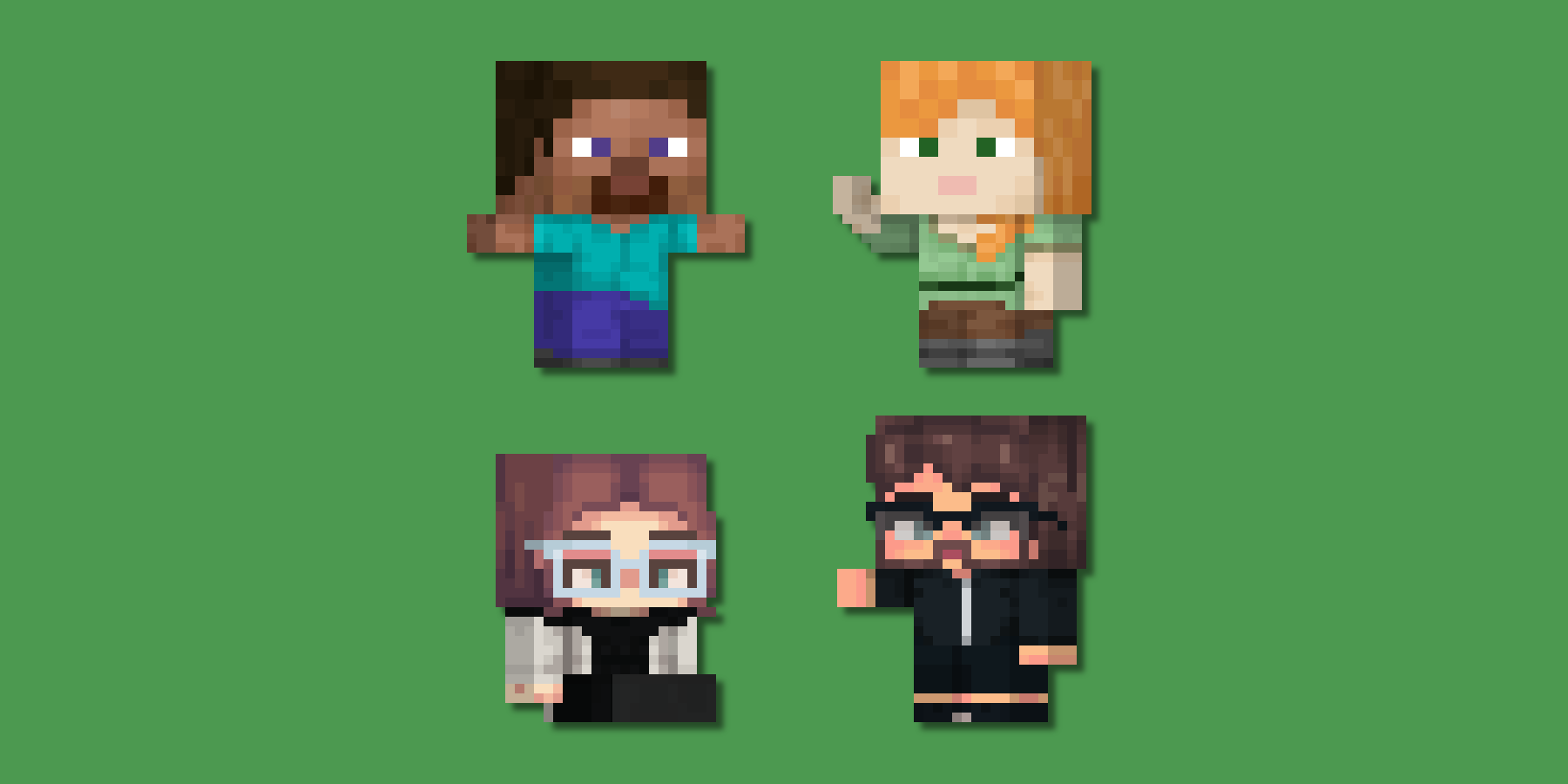
The banner below is our own Minecraft Marketplace skin pack, Toilets vs TVs & Cameras. Every character in it is one of the pack's skins, turned into a chibi and animated with our Minecraft Chibi Skin Maker, so it doubles as a look at what that tool can do with your own skins.

FAQ
How do I make a Nether portal link where I want it?
Take the Overworld coordinates of the place you want to reach, divide X and Z by 8, and build a portal at those coordinates in the Nether. Leave Y alone. The calculator above does the division and hands you a /tp command so you can fly straight to the spot in creative mode.
Links go wrong when a portal already exists near the destination, because the game reuses a nearby portal instead of making a new one. If a link keeps snapping to the wrong place, break the offending portal, or move your new one further away and try again.
Why is the Y coordinate not divided by 8?
Only the two horizontal axes are compressed. The Nether is one eighth the width and one eighth the depth of the Overworld, but it is the same height, so your Y stays exactly as it is when you step through. The calculator passes Y through untouched for that reason.
The practical catch is the Nether roof at Y 128. An Overworld position at Y 200 has no Nether twin below the bedrock ceiling, so the number the tool shows is honest rather than useful. Pick a Y you can actually build at, usually somewhere between 32 and 120.
Does the 8 to 1 ratio work the same in Bedrock?
Yes. The coordinate ratio is 8 to 1 on both Java and Bedrock, and Y is unscaled on both, so every number this tool produces is correct on either edition. Nothing in the conversion itself differs between them.
What does differ is how far the game looks for an existing portal once it has converted your position, which is why the same pair of portals can link differently on the two editions. If a link behaves oddly on one and not the other, that search behavior is the reason rather than the ratio.
How many blocks is a chunk, and how big is a region?
A chunk is 16 blocks by 16 blocks, and a region is 32 chunks by 32 chunks, which works out to 512 blocks square. Region size is the one that matters when you are pruning a world, because each region is a single .mca file on disk.
Both appear in the table above, so you can enter a distance in blocks and read off how many chunks and regions it spans. Render distance is measured in chunks too, so a render distance of 12 is 192 blocks of loaded world in every direction.
Is a Minecraft block really one meter?
Yes, that is the scale Mojang has always used, and it is what the game's own distance statistics assume. Treating a block as a meter is what lets the table above give you kilometers and miles, so a thousand block walk is one kilometer, or about 0.62 miles.
It is a convention rather than a physical law, and player height does not quite agree with it, but every distance figure in the game and its statistics screen is built on it. For timing a trip rather than measuring it, the Minecraft Time Calculator converts ticks and day cycles, and the Time Converter handles game ticks alongside ordinary units.
Enjoying this tool?
Every tool here is completely free. If it saved you time, a small donation helps keep them running and growing.
Support NogardJoin the community
Get help, request features, share your work, and hear about new tools first on the Discord server.
Join Discord