

Minecraft Skin Downloader
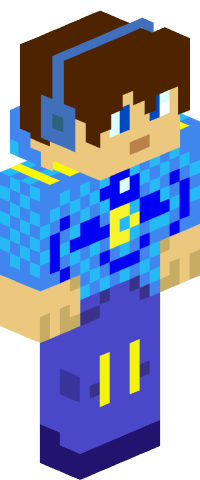
Download any Minecraft Java Edition player's skin instantly. Enter a username or UUID to preview their skin and download the original PNG texture file. Works with any Java Edition account - the player doesn't need to be online.
Need just the UUID? Try the Minecraft UUID Lookup.
From the maker of this tool
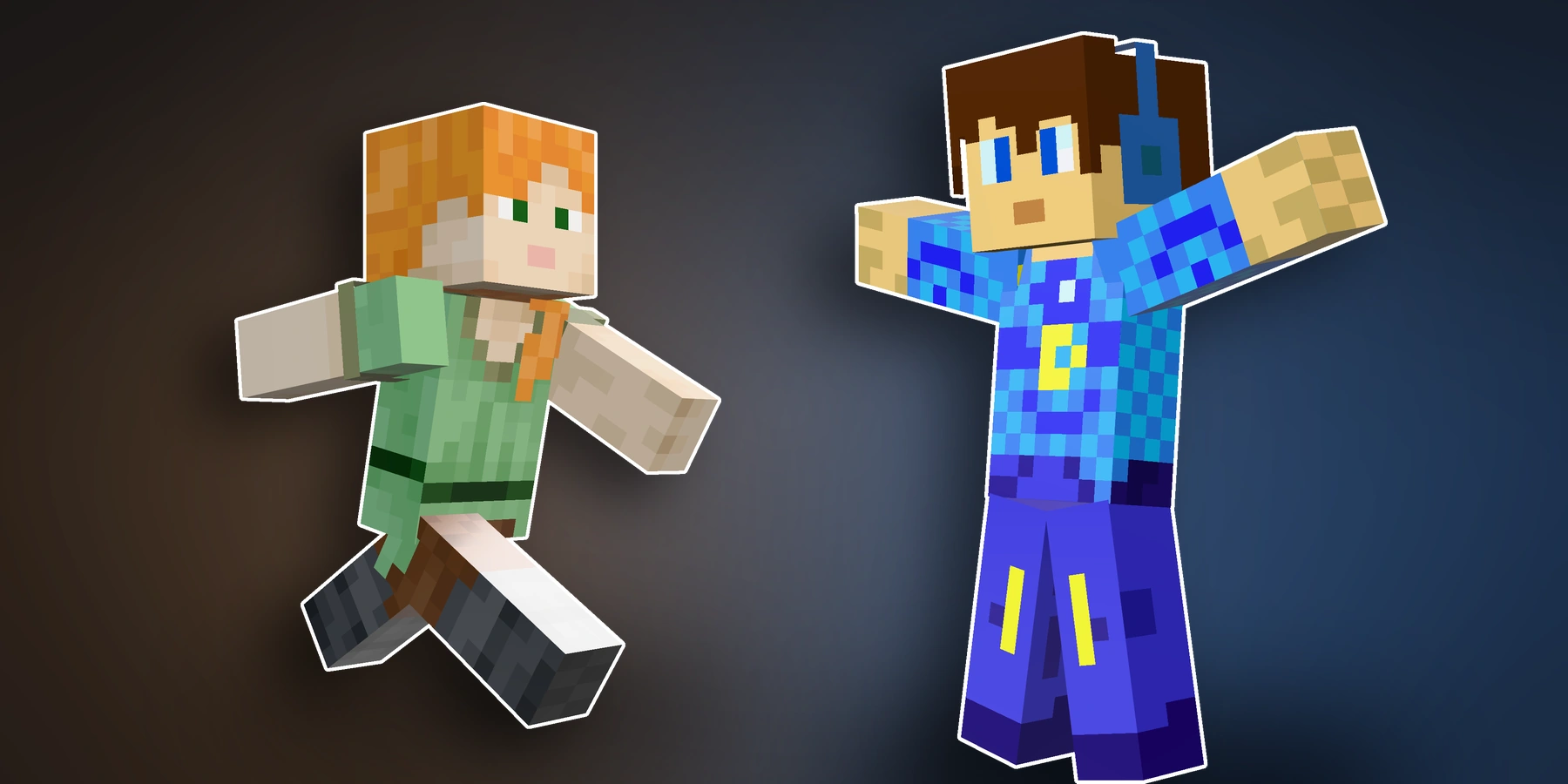
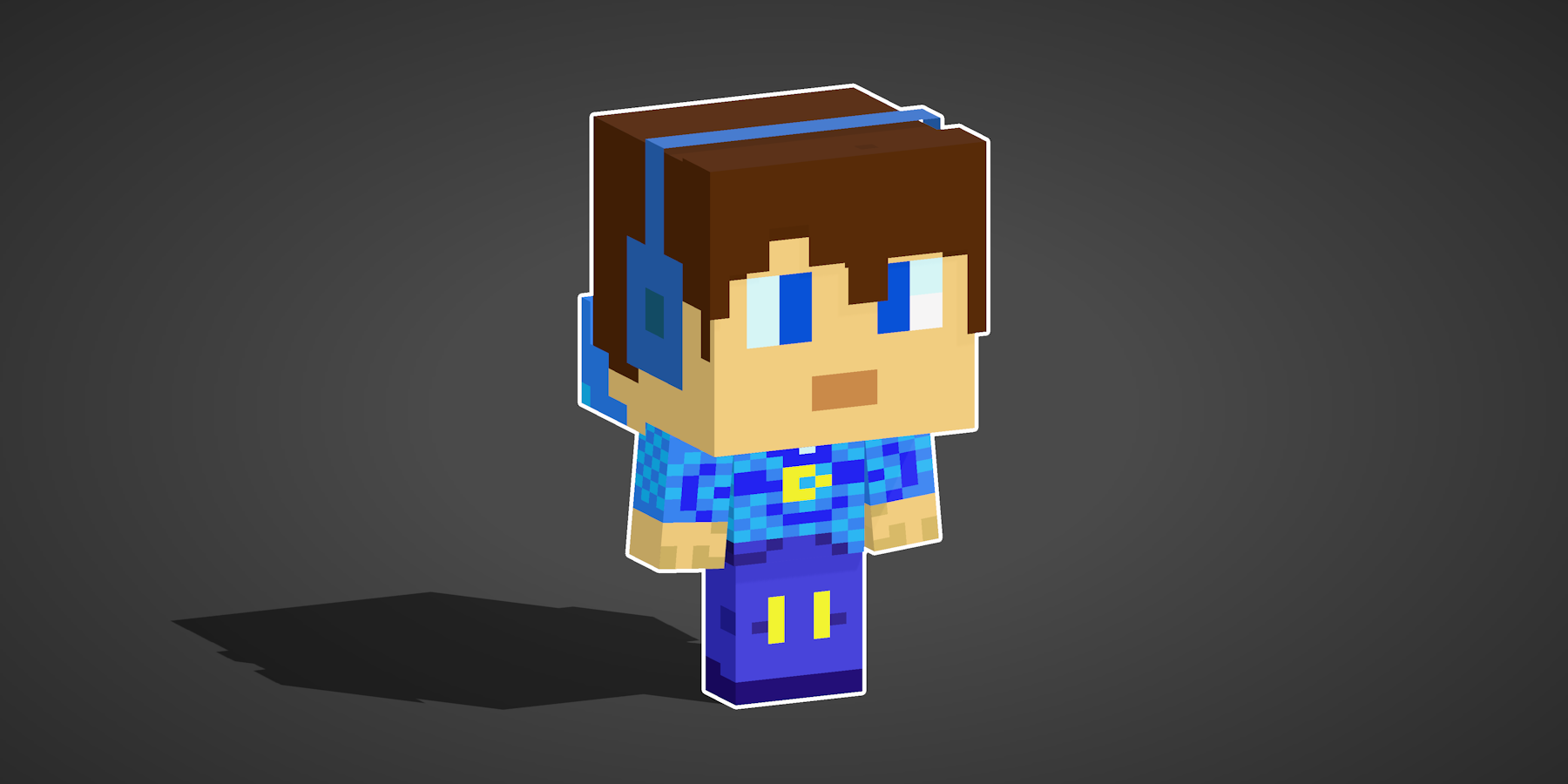
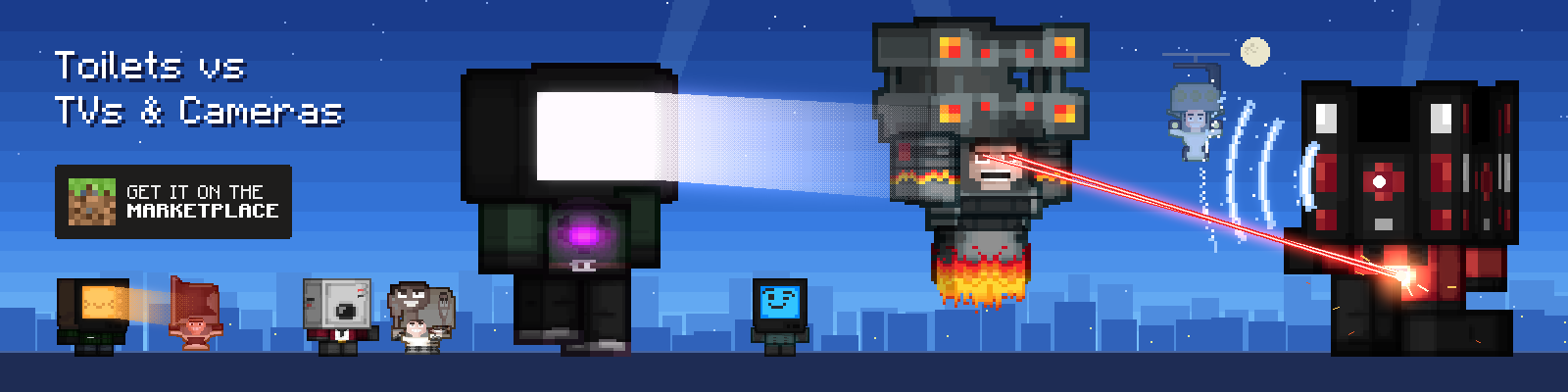
Found a skin you like? The banner below shows what our Minecraft Chibi Skin Maker does with skins: every character in it is from our own Minecraft Marketplace skin pack, Toilets vs TVs & Cameras, turned into a chibi and animated.
FAQ
Is it legal to steal Minecraft skins?
This tool simply retrieves skin textures through Mojang's publicly accessible API endpoints - the same data that is transmitted to every player's game client during normal multiplayer gameplay. No authentication bypass, reverse engineering, or Terms of Service violation is involved. Under the Minecraft EULA, Mojang grants users the right to access and use game content, and skin textures are served without any access restrictions or authentication requirements.
That said, individual skin designs may constitute original artwork. The creator of a custom skin may hold copyright or other intellectual property rights over that design. Downloading a skin for personal use (e.g., viewing, reference, or applying it to your own account) is generally considered acceptable, but redistributing, selling, or claiming someone else's skin design as your own could infringe on the creator's rights. If you are using a skin created by another player or artist, respect their work accordingly.
This website solely provides access to publicly available data. This website shall not be held responsible or liable for any use, misuse, or redistribution of downloaded content by its users. Any liability arising from the use of downloaded skin files rests entirely with the end user.
How do I use a stolen skin?
Go to minecraft.net, navigate to your profile, and click change skin. Select the correct model type (slim or wide) to match the skin you downloaded, then upload the PNG file. Your new skin will appear in-game after relogging.
What is the difference between slim and wide skins?
Wide skins (Steve model) have 4-pixel wide arms and slim skins (Alex model) have 3-pixel wide arms. You must select the matching model type when uploading the skin or it will look distorted on the arms.
This tool detects and displays the model type so you know which option to select when uploading.
Does this work with Bedrock Edition?
This tool downloads Java Edition skins, but the PNG file works on any edition. You can upload the downloaded skin on Bedrock Edition, console editions, or any platform that supports custom skins.
Can I steal skins from any player?
You can steal the skin from any Java Edition player. The player does not need to be online - skins are stored on Mojang's servers and are always accessible as long as you have their username or UUID.
Why does the skin look different from in-game?
The preview shows the raw skin texture file without any armor, capes, or cosmetic mods applied. What you see is the base skin exactly as it was uploaded to Mojang's servers.
In-game, the skin may look different due to equipped armor, elytra, capes, or client-side cosmetic mods like OptiFine capes or Lunar Client cosmetics.
Enjoying this tool?
Every tool here is completely free. If it saved you time, a small donation helps keep them running and growing.
Support NogardJoin the community
Get help, request features, share your work, and hear about new tools first on the Discord server.
Join Discord